
For customers with our systems in the field
Customer portal
One login for everything that belongs to your devices. Device state, manuals, downloads, security contact.
What you find in the portal
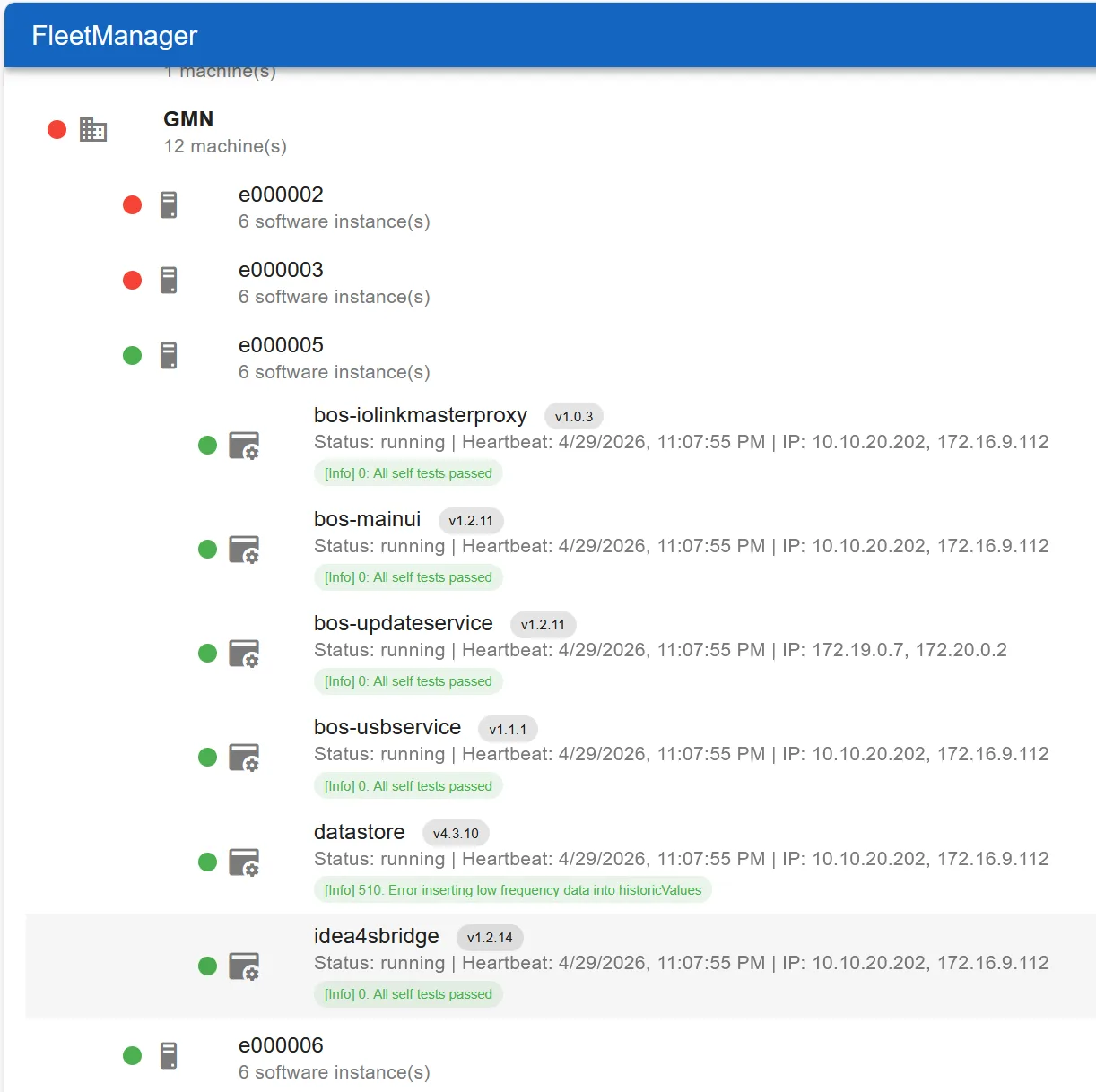
- Device list: serial number, name, inventory number, delivery channel, installed and current version, last seen. Including devices that were never online.
- Documents per device: manual in your brand, changelog, downloads, certificates. Each device releases exactly the documents that belong to it.
- Manuals per product: edge manual, DataStore manual, FleetManager documentation, each in the edition of your delivery channel.
- Security contact: whom we inform about a vulnerability affecting your devices. Required by the Cyber Resilience Act, maintained by you.
- People and roles: you invite colleagues by e-mail and assign roles. Two-factor sign-in optional.
How access works
The portal uses the accounts of the FleetManager. One account, one password, all areas your company has access to. The tiles on the start page show exactly these areas, plus the entry into the fleet overview.
For customers who pass their devices on under their own brand, the same access exists in their look. Your end customer sees your brand, not ours.
Sign in with your FleetManager account. No access yet? Your contact at Brinkhaus creates the first administrator for your company.
portal.brinkhaus-gmbh.de